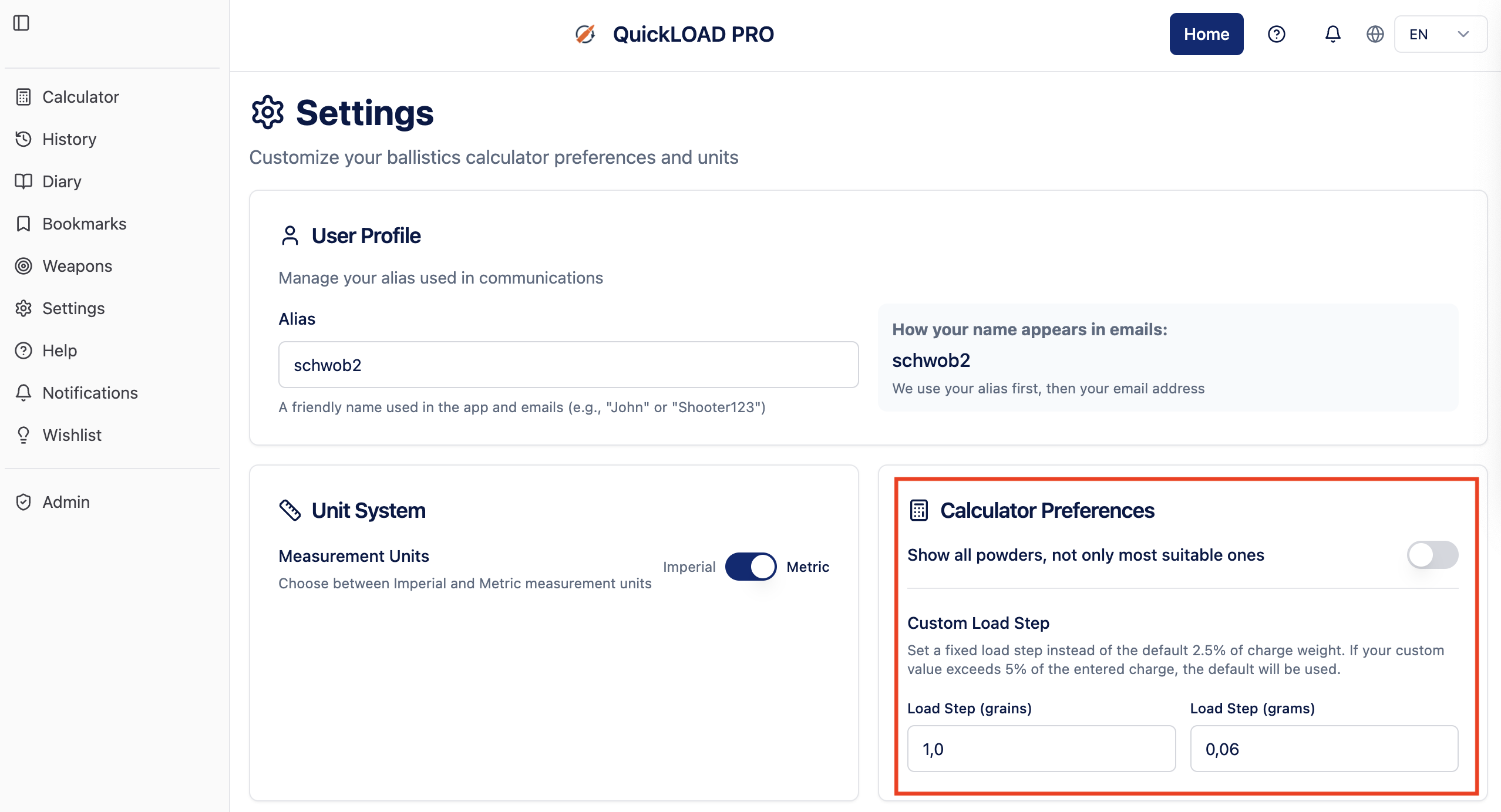
How can I change the load step used to calculate the 5 load ladder steps?
By default, the load steps are 2.5% of the charge, rounded to the next .5 grain increment. For a load of, i.e., 42 grains, the load step would be 1 grain. For a load of 72 grains, it would be 1.5 grains; for a load with 24 grains, it would be 0.5 grains.
The default can be overwritten in the App Settings under Calculator Preferences. There, you can set the load step in grains or grams.